
Checked by the Top One Trader editorial team, experienced traders and analysts are committed to providing reliable, practical insights for funded trading success.
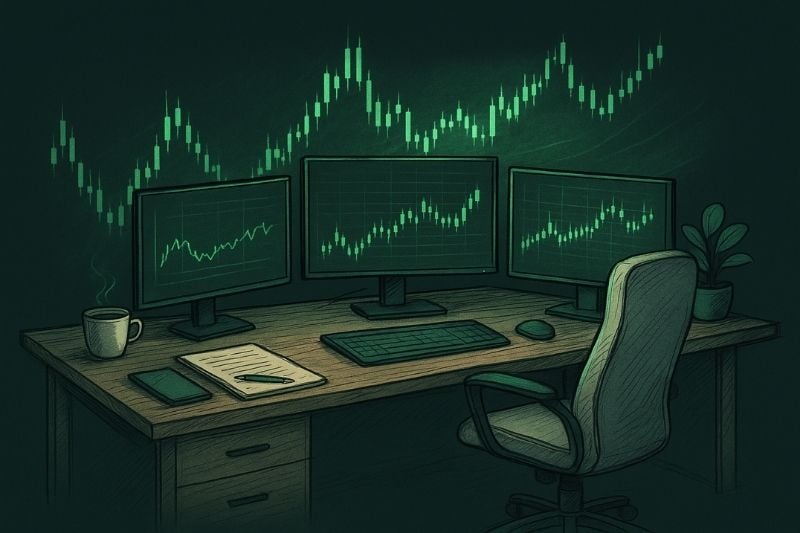
Ever wonder why some traders remain calm and precise even during volatile market swings? Often, it’s not just their strategy; it’s their environment. A professional Home Trading Setup helps traders maintain focus, comfort, and efficiency, which directly impacts performance.
In this guide, you’ll learn how to build your own setup with the right desk, monitor configuration, reliable hardware, stable internet, and tools that support your trading journey.
Quick Overview
A Home Trading Setup is the foundation of every successful trader’s workspace. By combining a comfortable desk, multiple monitors, powerful hardware, and a stable internet connection, you can trade with better focus, comfort, and speed. Building the right environment isn’t just about aesthetics; it directly impacts decision-making, execution, and consistency.
Trading Desk and Workspace
Trading Desk
Your trading desk is one of the most important aspects of your home trading setup. It should be large enough to support multiple monitors and sturdy enough to handle the weight of your trading computers, stands, and other essential trading tools.
Many traders invest in a standing desk or height-adjustable option to alternate positions during long hours of day trading. Changing your position helps reduce fatigue, maintain focus, and create a more productive trading space. Keeping monitors at eye level with a proper monitor arm also improves comfort and posture during market hours.
Trading Chair
An ergonomic chair is just as essential to a perfect trading desk setup as your computer or monitors. Whether you choose a gaming chair or a professional office model, the key is proper lumbar support that keeps your back and neck comfortable during long trading sessions.
Small details like adjustable recline, soft cushioning, and comfortable arm supports can make a big difference when you’re focused on your charts, news feeds, and market data for hours.
Trading Computers and Hardware
Desktop Computers
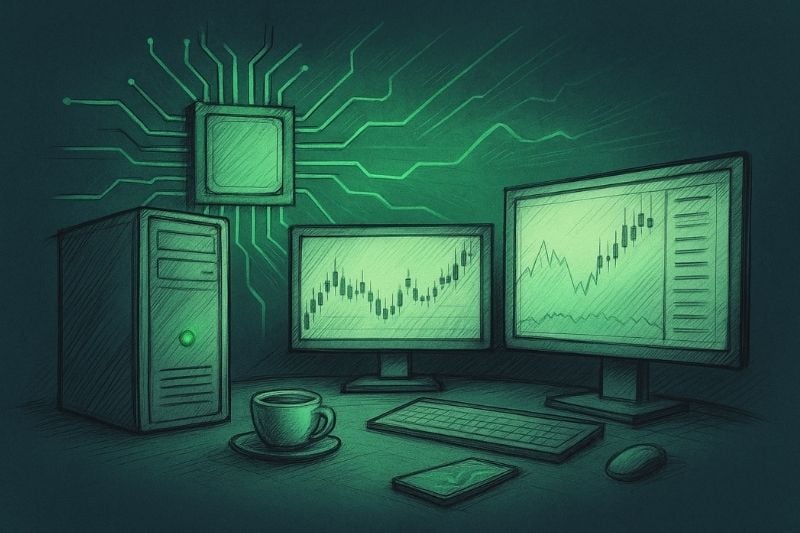
Desktops are the true power engines of trading. They deliver higher performance, better cooling, and far more upgrade flexibility than laptops, all crucial when you’re running several platforms, scanning multiple charts, and processing live data at once.
If you rely on algorithms or backtesting, a powerful desktop becomes essential. Handling large datasets and ensuring fast execution demand the extra CPU power, memory, and speed that only a desktop setup can provide.
Key specs to look for:
- Multi-core CPU for smooth multitasking.
- Dedicated GPU to handle multiple screens without lag.
- SSD for fast boot and quick data access.
- 16 to 32 GB of RAM is ideal, especially if you run heavy backtests or multiple trading programs at once.
- For the processor, an AMD Ryzen 7 (3700X or 6000 series) or an Intel i7 or i9 offers a great balance of power and efficiency.
If you’re into algorithmic trading or data-heavy analysis, consider upgrading your RAM and storage for smoother performance.
Recommended setups: an AMD Ryzen 7 (3700X or 6000 series) or Intel i7 or i9 is a solid starting point. Upgrade RAM and storage if you do algorithmic trading or data-heavy analysis.
Laptop for Trading
Not every trader wants to be tied to a desk. That’s where laptops come in. A laptop offers portability, making it easy to monitor trades on the go or use it as a backup when your main desktop isn’t available.
For trading, it’s best to avoid entry-level laptops. Instead, choose models that come with:
- A strong CPU and GPU to smoothly handle charts and multiple screens.
- Long battery life to keep your sessions uninterrupted.
- Fast SSD storage for quick, reliable platform performance.
The main advantage is flexibility; you can trade from your home office, a café, or even on the go without losing much power.
Quick tip: High-end options like the Dell XPS or MacBook Pro offer an ideal mix of performance and portability for active traders.
Monitor Setups for Trading
Your monitors are your window to the markets. A fast computer helps, but if you cannot see the right information at a glance, you still hesitate. Aim for a layout that shows charts, data and news without crowding the desk.
A large UHD monitor lets you park several charts or dashboards side by side. Many traders compare EUR/USD and GBP/USD in one view so they can spot small divergences and act a little quicker.
Example: LG 43″ UHD monitor.
Curved ultrawide monitors offer a panoramic sweep of price history. You see more candles in one glance, and the gentle curve often feels easier on the eyes during long sessions.
Example: Dell UltraSharp 49″ curved monitor.
A multi-monitor setup suits scalpers and day traders who track several markets and an order book at the same time. Two screens are enough for some people, while others feel comfortable with four or even six.
Horizontal screens can hold an economic calendar, a watchlist and the day’s headlines, leaving primary space for technical charts. It keeps you informed without clutter.
With a well-organized monitor setup, you notice context faster and decide with more confidence. That usually translates into cleaner entries and calmer trade management.
Ready to Take Your Trading to the Next Level? The right monitor setup gives you clarity, but real progress comes from skill, discipline, and support. Join Top One Trader to combine your setup with expert education, a strong community, and funded trading opportunities.
Internet and Connectivity
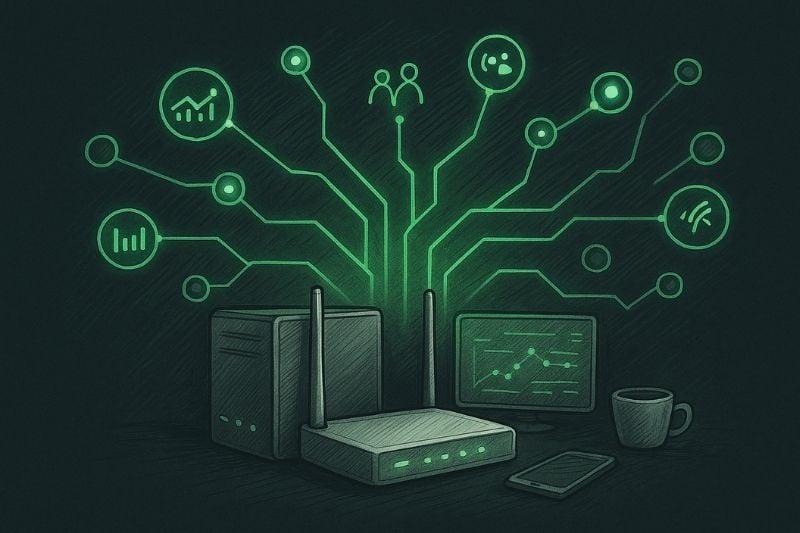
Nothing ruins a perfect setup like losing connection during a live trade. It is every trader’s nightmare. Even the best hardware means nothing without a fast, stable internet connection. A single lag spike or drop can cost real money, especially when you already have positions open and the market starts moving fast.
Aim for at least 100 Mbps high-speed internet, and always have a backup connection, such as a mobile hotspot or a second provider, in case of emergencies.
Connectivity also comes down to convenience. Power extensions and USB hubs make it easier to plug in multiple devices, charge accessories, and keep your desk organized. Combine that with good cable management, and your workspace stays clean and efficient.
The result is reliability. With the right internet setup and connectivity tools, you can execute trades smoothly, stay connected to the markets, and trade with confidence.
Trading Accessories
Once the core of your home trading setup is ready, the next step is fine-tuning it with accessories. These may seem secondary, but they often make the biggest difference in daily comfort and execution speed.
Input Devices
Your mouse and keyboard are the tools you touch the most during the day. An ergonomic design makes a huge difference when you are spending long hours in front of the screen. A regular office set can work, but gear made for professionals feels smoother, helps prevent wrist strain, and gives you better control.
It is a small change that pays off quickly. The easier it is to move around your trading platform, the more attention and energy you can give to real analysis and execution.
Trading Keypads
For traders who want to save every second, trading keypads are a powerful addition. Devices like the TradeMaster are designed with multiple programmable buttons for instant actions. Imagine being a scalper who needs to act fast. With a keypad, you can place a buy or sell, open stop or limit orders, set your lot size, and even place stop loss or take profit orders instantly.
Instead of scrolling through menus or clicking several times, the order is executed with a single tap. Some pads even allow you to preconfigure actions like 0.01, 0.05, 0.5, or 1 lot orders directly. This speeds up your workflow and helps avoid mistakes. The benefit is clear. Faster decisions, fewer errors, and smoother trade execution.
Monitor Supports and Cable Management
Once you start adding more screens and gear, things can get messy. That is when organization really matters. Monitor supports and adjustable arms help you move your screens to the perfect height so you can sit comfortably and avoid neck pain. They also clear some space on the desk, which always feels nice when everything else is fighting for room.
Cables, on the other hand, are the usual troublemakers. A bunch of tangled wires does not just look bad, it can mess with your focus. Simple tricks like using clips, trays, or built-in channels under the desk keep everything neat and out of sight. When the space around you looks clean and balanced, it is easier to think clearly and stay productive.
Software and Tools
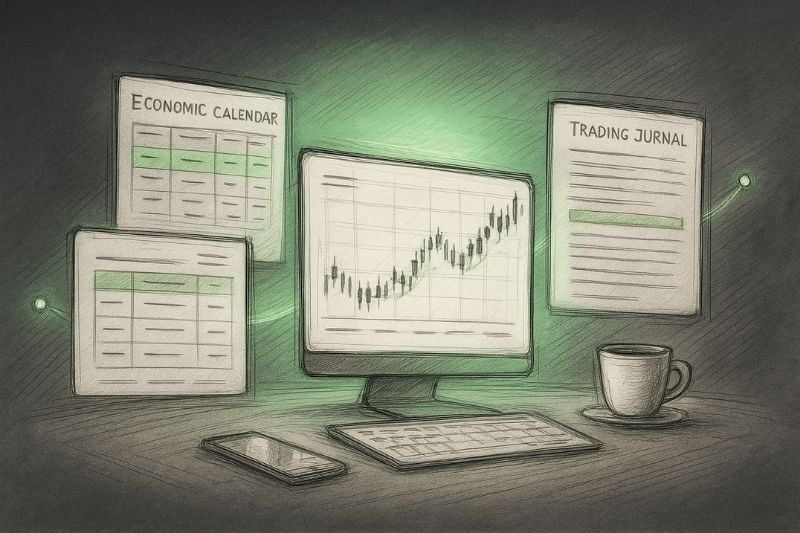
Even the best hardware setup is incomplete without the right software. Trading is as much about the tools on your screen as it is about the equipment on your desk.
Trading Platforms
Most traders rely on platforms such as MetaTrader 4 (MT4), MetaTrader 5 (MT5), Trade Locker and TradingView, along with broker or prop firm platforms. These are the gateways to the markets. MT4, MT5, and Trade Locker are excellent choices for executing trades, offering speed, stability, and advanced order management tools.
TradingView, on the other hand, is one of the best platforms for charting and technical analysis, thanks to its clean interface and wide range of indicators. Choosing the right platform depends on your trading style. For example, if you are a scalper, you need an advanced platform for fast order execution.
News Feeds and Economic Calendars
Charts tell part of the story, but the real moves often start with the news. A sudden rate decision, a jobs report, or a policy comment can shift the entire market in seconds. That’s why experienced traders keep one eye on their charts and the other on economic calendars.
Platforms such as MyFXBook, Forex Factory, or Investing.com make it easy to follow key events and data releases in real time. When you know what’s on the schedule, you’re better prepared to handle market volatility, plan your entries, and protect your trades before the market reacts.
Dashboards and Trading Journals
To trade like a professional, you need to analyze more than just price action. You must also analyze your own performance. Dashboards and trading journals are powerful tools for tracking metrics such as win rate, profit and loss, risk-to-reward ratios, and consistency over time.
Integrating dashboards with your trading journal lets you visualize your data clearly, helping you identify strengths, weaknesses, and behavioral patterns that affect results. Over time, this data-driven feedback loop becomes one of your biggest advantages in improving as a trader.
Position Size Calculators
Position size calculators ensure every trade aligns with your risk management plan. They help you calculate the correct lot size based on your account balance, stop loss distance, and risk percentage per trade. Using them consistently keeps your exposure under control and protects your capital from unnecessary losses.

Conclusion
A good trading setup is more than screens and hardware. It is the space where focus meets discipline. When everything around you works smoothly, your mind follows. But don’t forget, the real progress comes from learning and building your skills. Combine both, and you will start to see great results in your trading.
Start Building Your Trading Future. Your home trading setup is the first step toward professional success. Combine the right environment with skill, discipline, and support from Top One Trader to unlock your full potential.
Join today and trade with confidence, focus, and funding behind you.